No Minimum Custom Pins — Make Your Own
Your pin is close to actual size, since every screen shows its size a little differently.
Check this browser once with a quarter or a credit card.
is now shown at its true size on this screen.
Your pin is shown at , so it looks larger than the pin you will receive.
Your pin is bigger than the preview can hold, so it is drawn smaller at of its actual size.
Check this browser once with a quarter or a credit card.
Your pin is bigger than the preview can hold, so it is drawn smaller at of its actual size.
Your design will be made exactly as submitted in this builder, from preview to production! Please double-check all spelling and images, as no changes can be made after placing the order.
Production time: 2–3 weeks
Photo Gallery
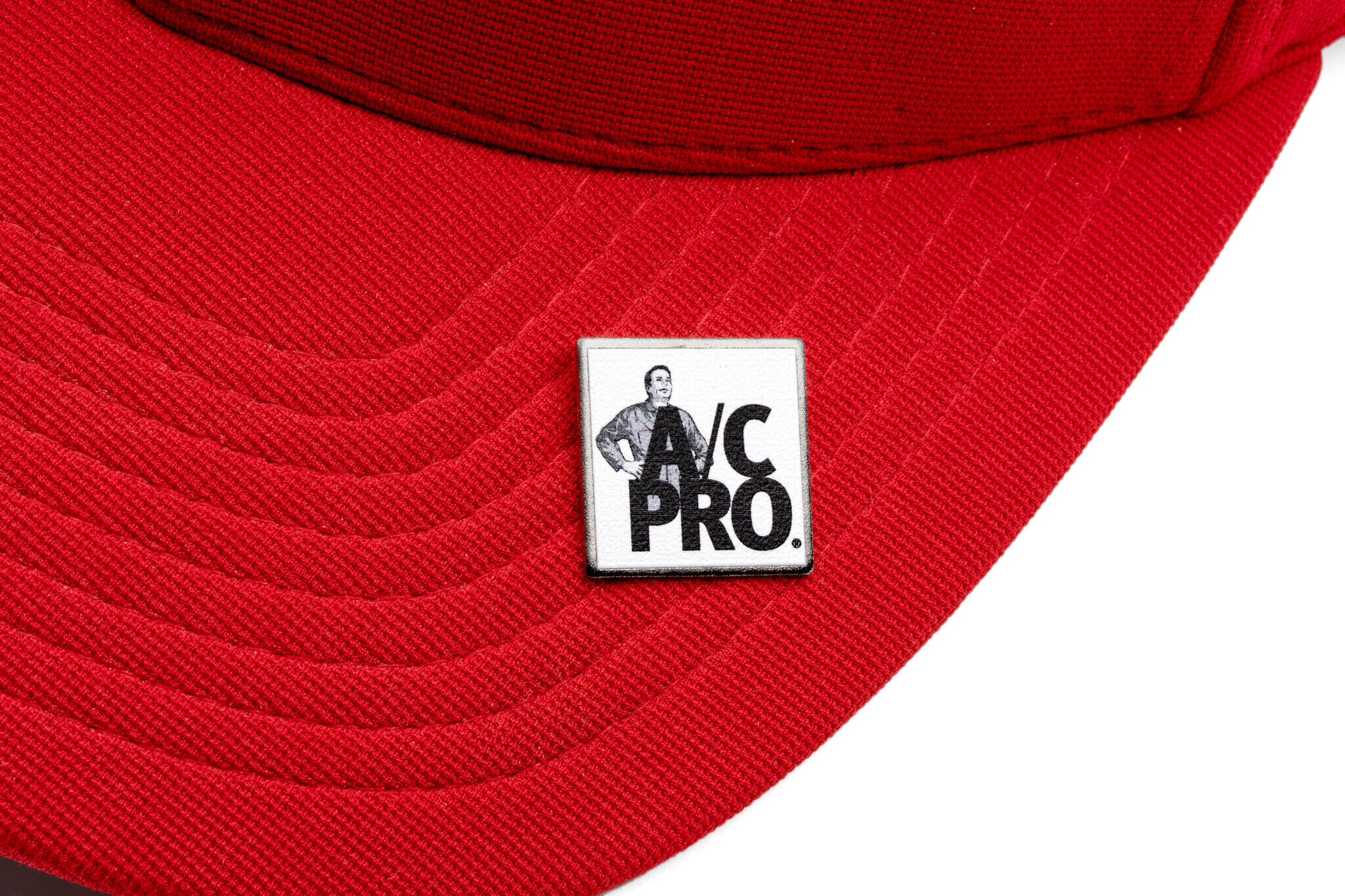
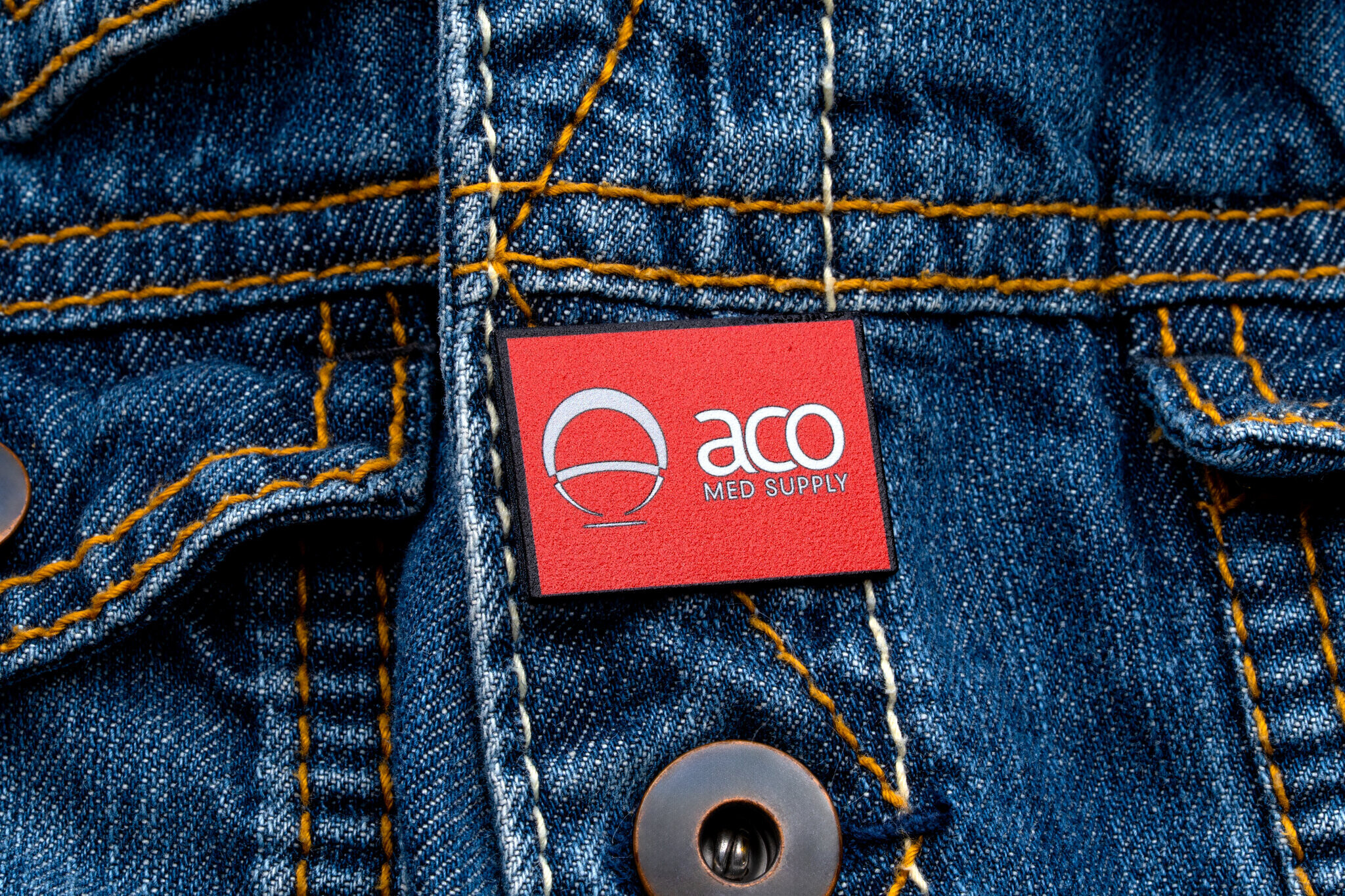
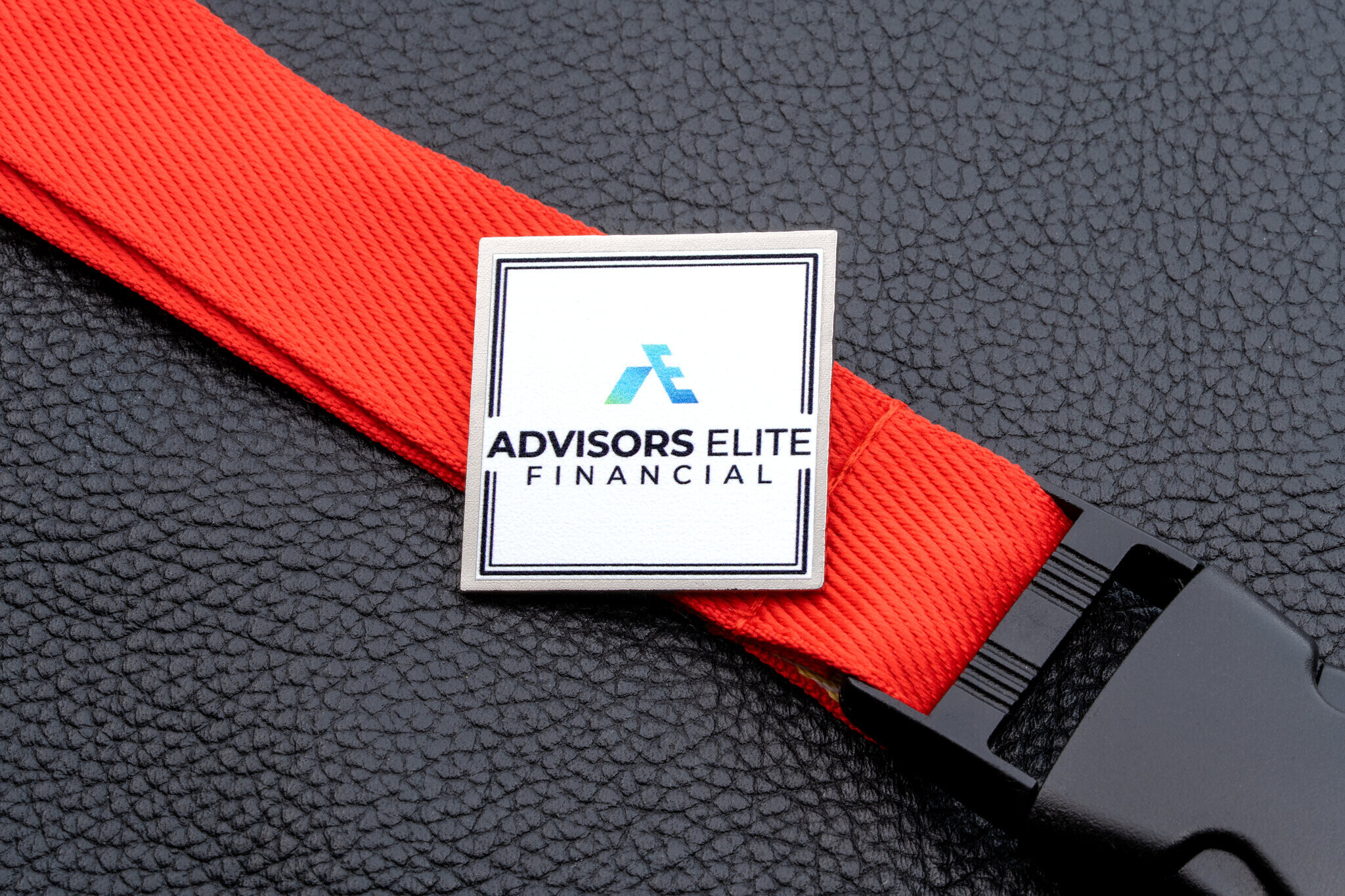
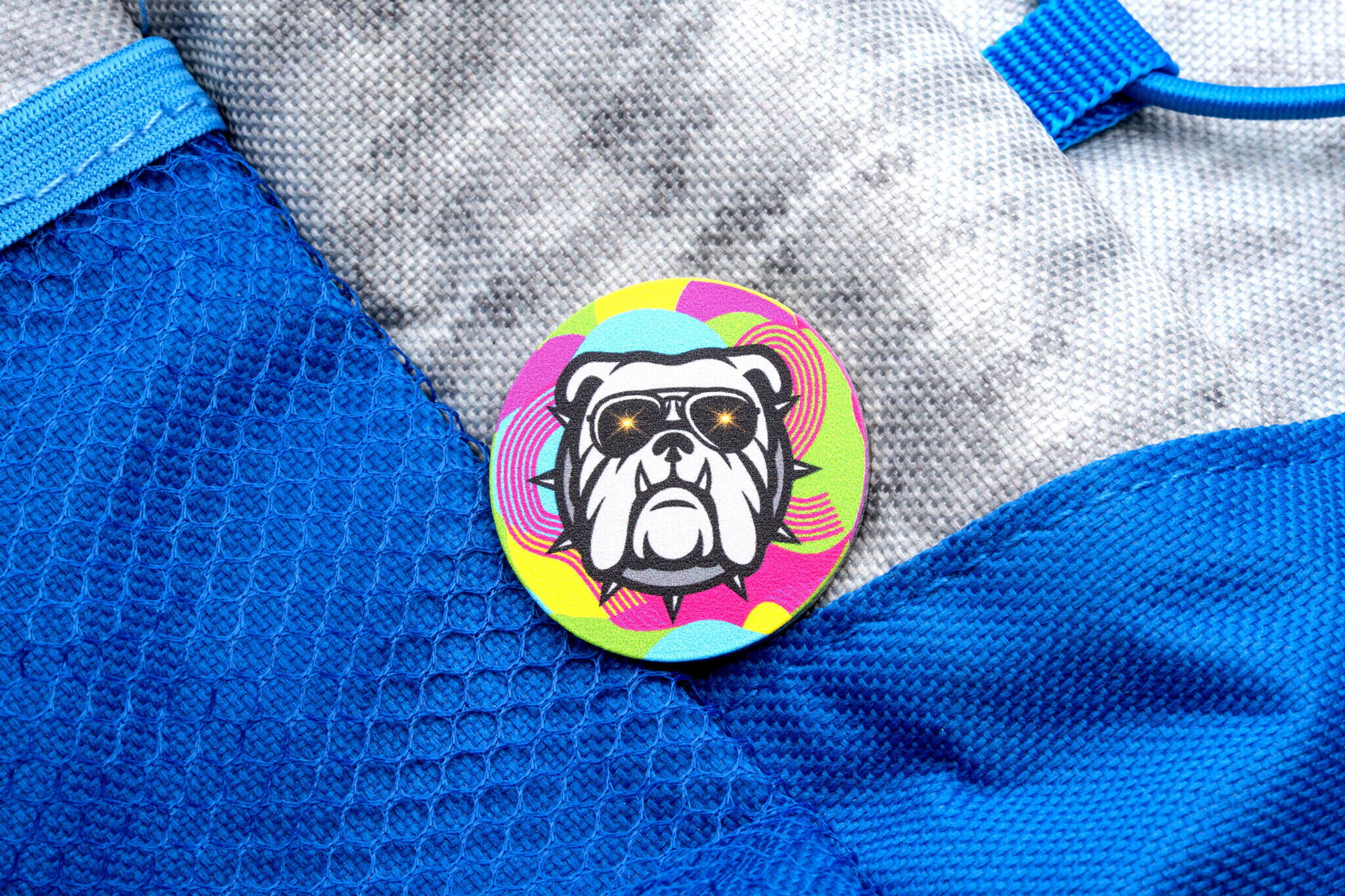
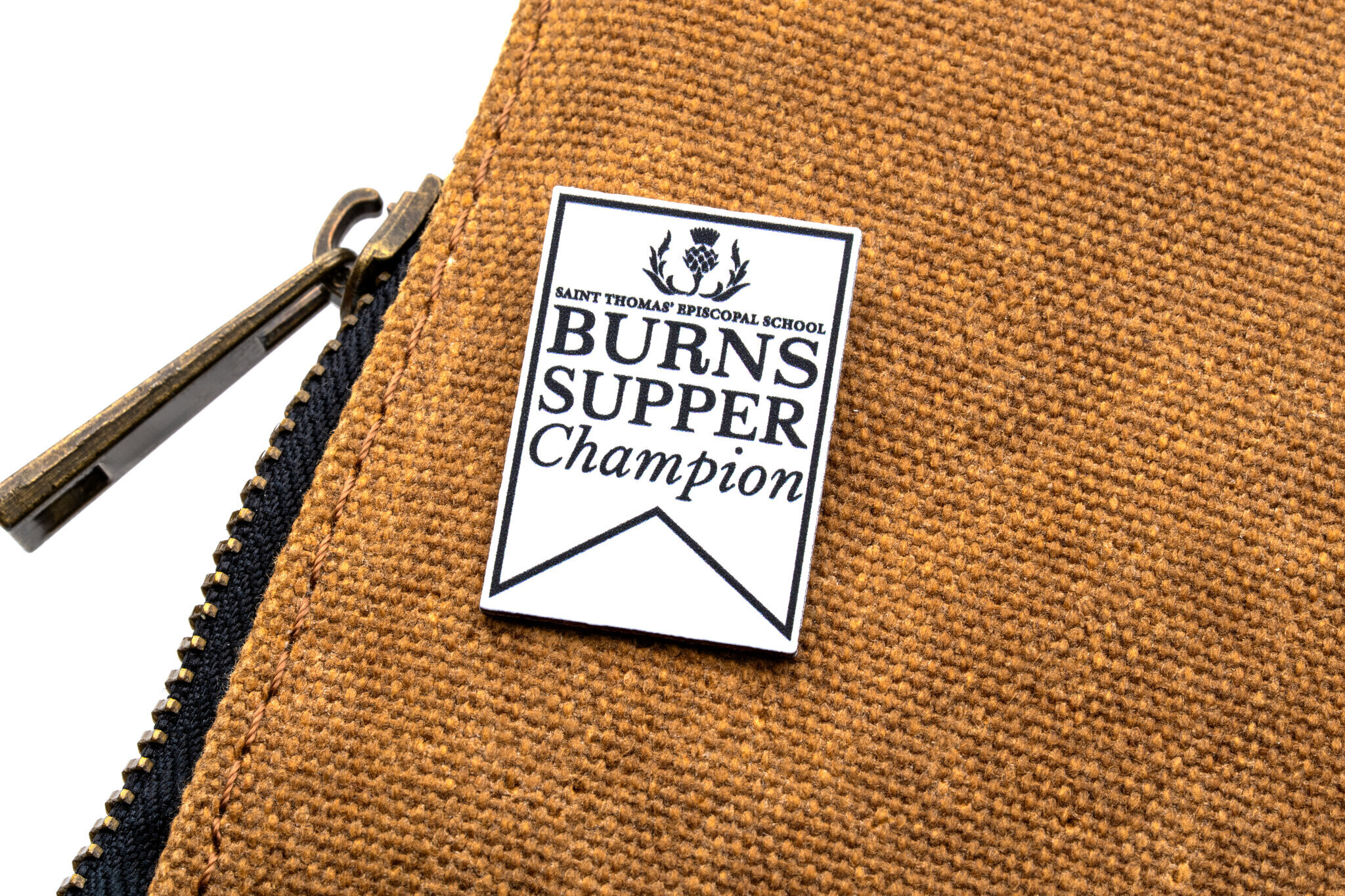
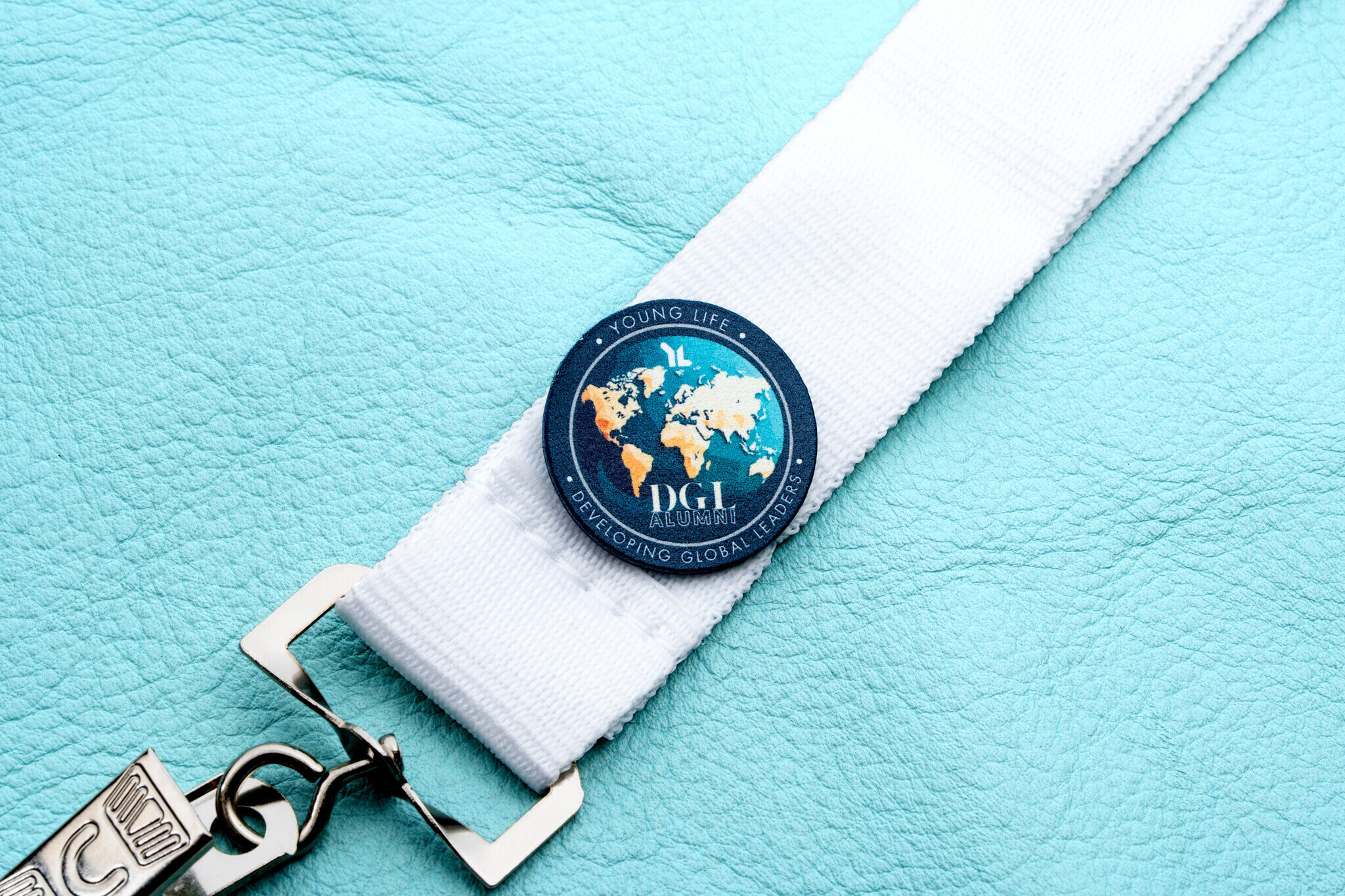
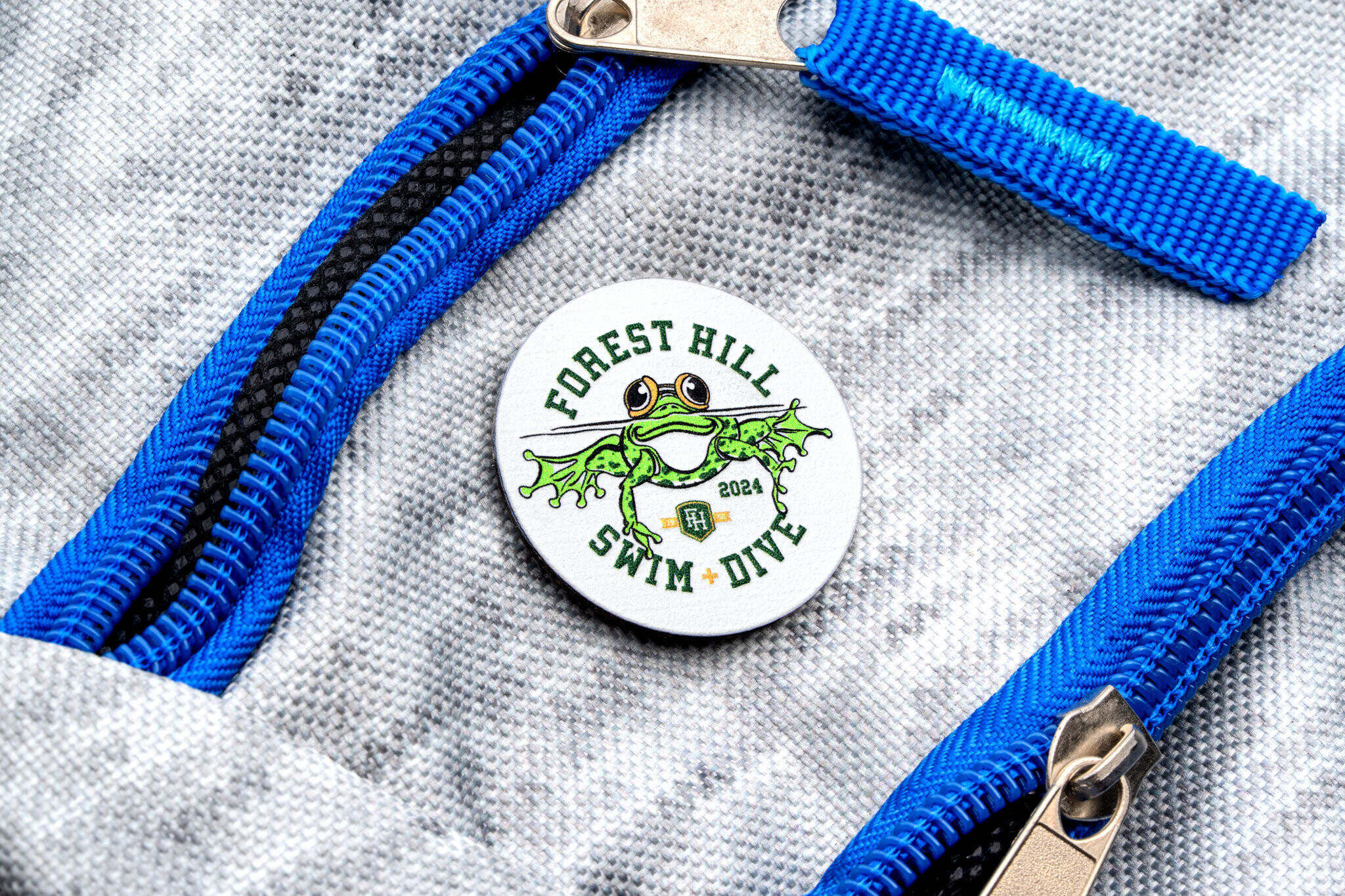
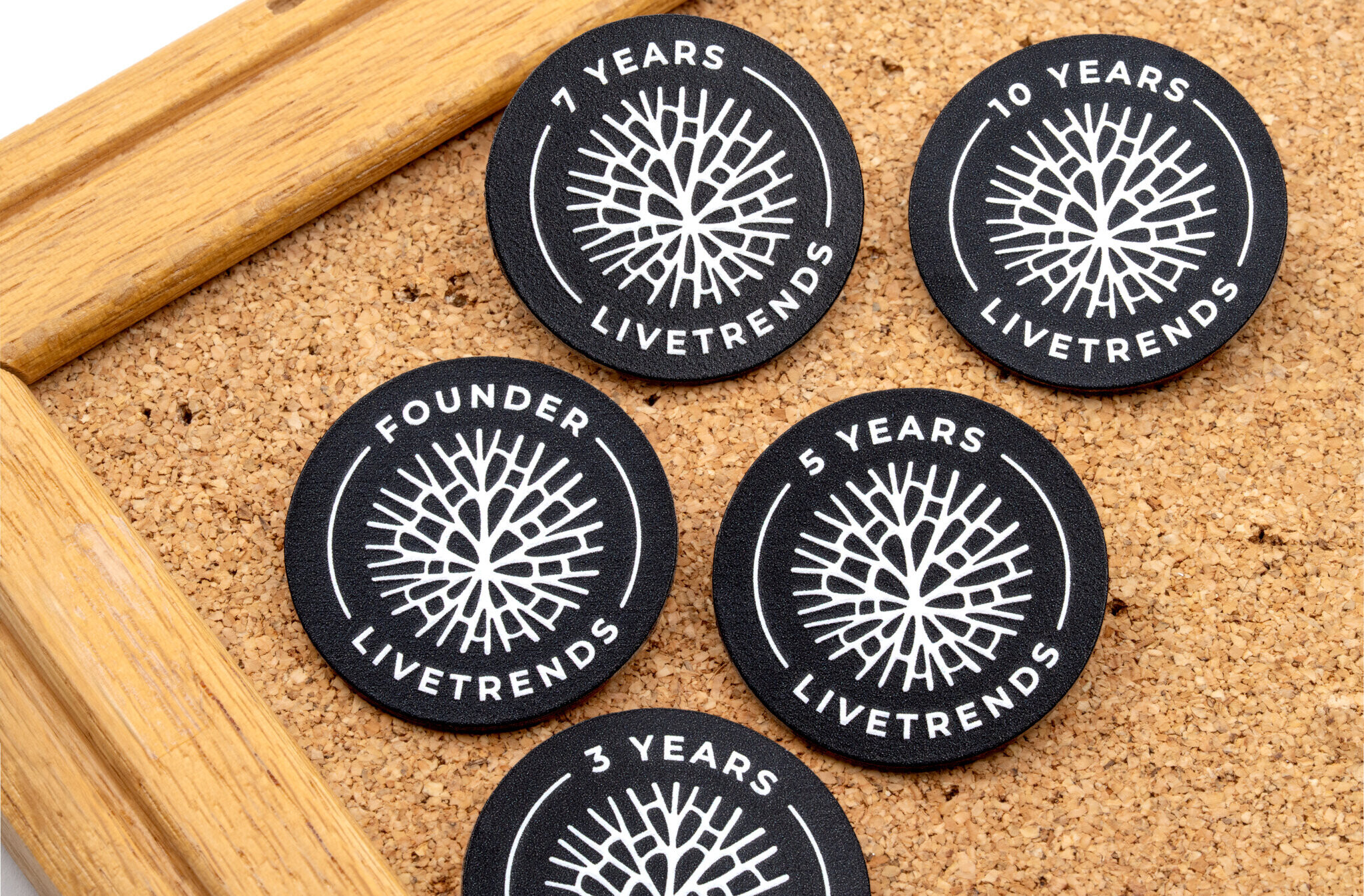
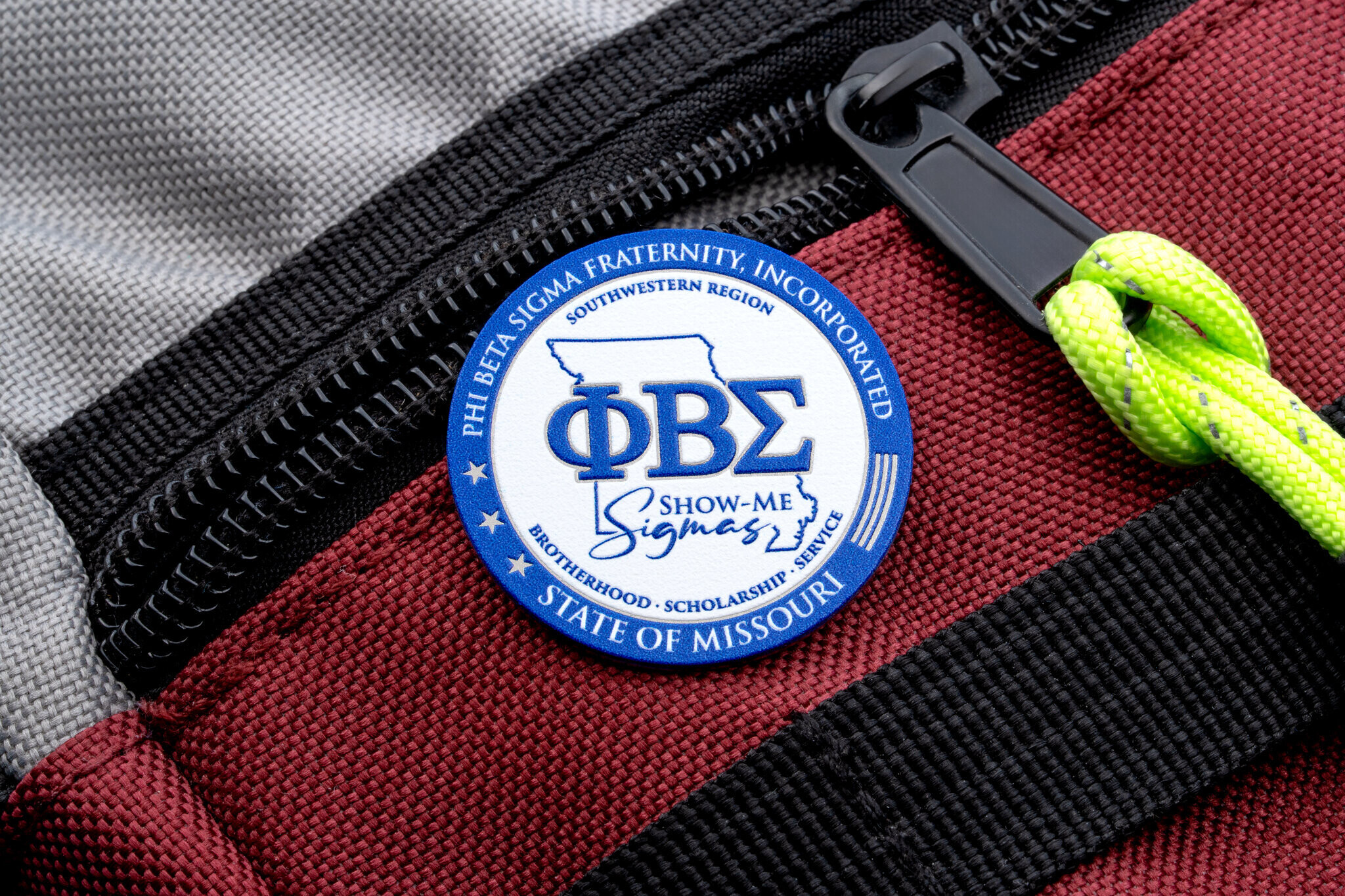
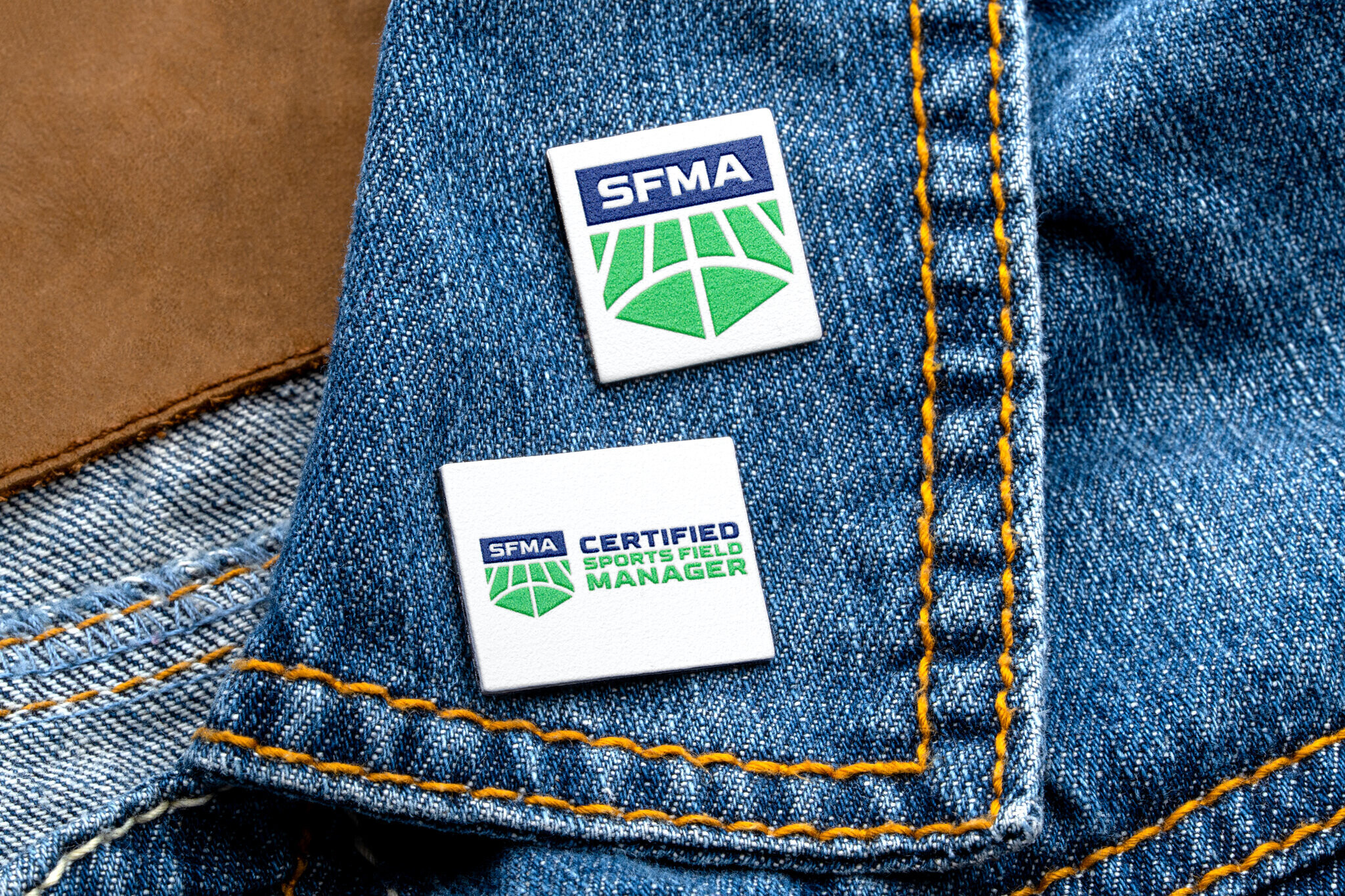
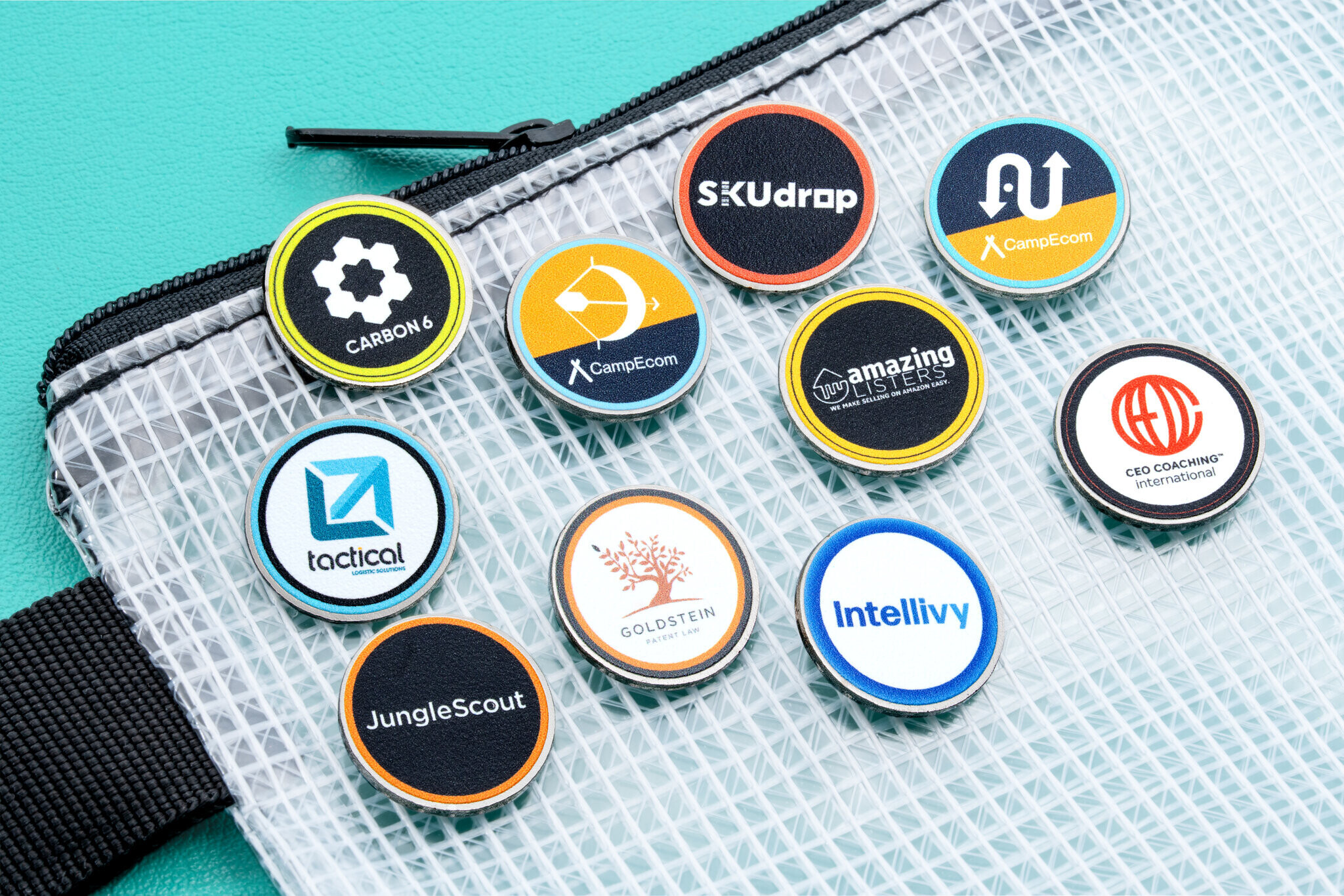
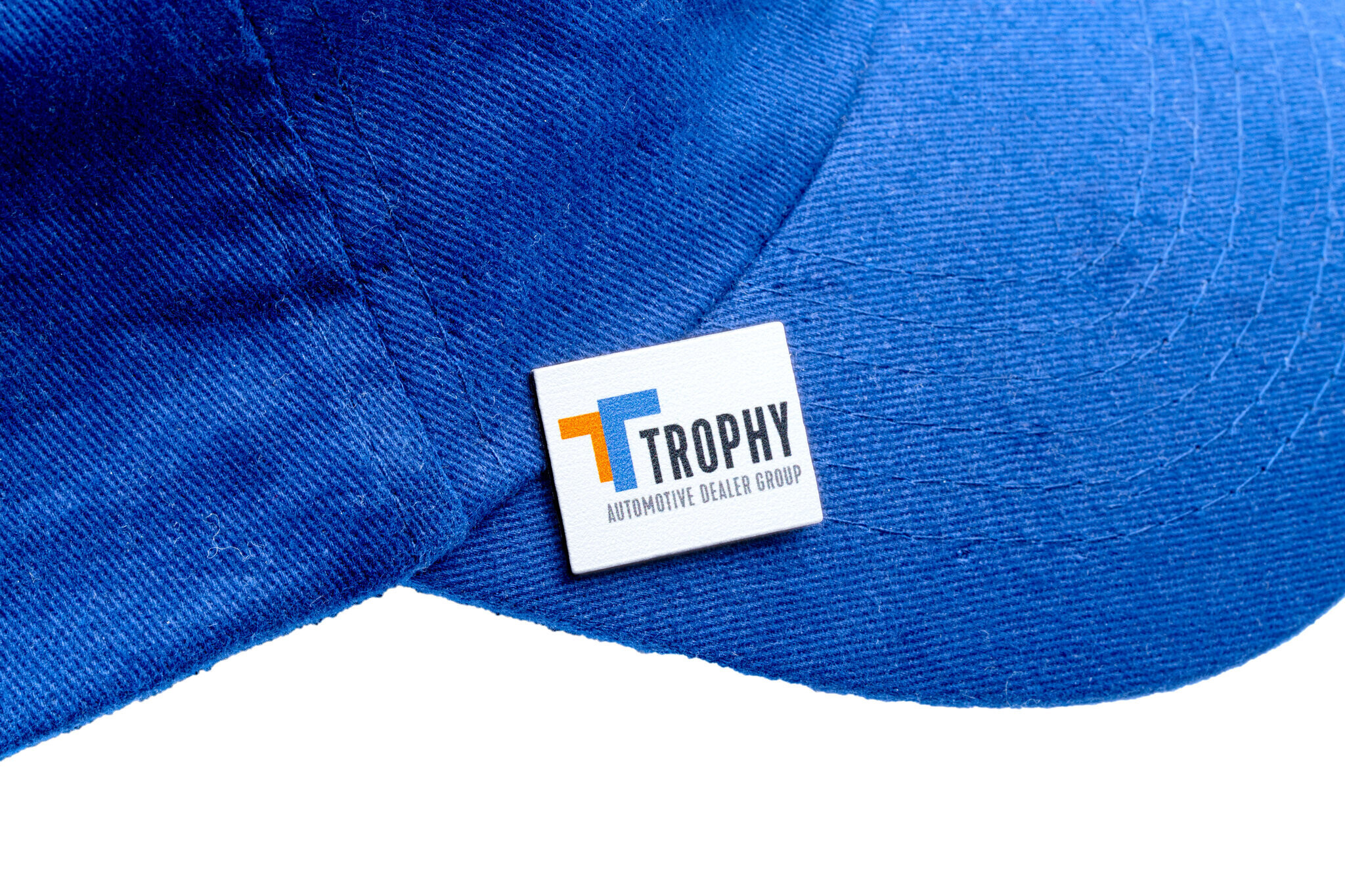
No Minimum Custom Pins
Your pin is close to actual size, since every screen shows its size a little differently.
Check this browser once with a quarter or a credit card.
is now shown at its true size on this screen.
Your pin is shown at , so it looks larger than the pin you will receive.
Your pin is bigger than the preview can hold, so it is drawn smaller at of its actual size.
Check this browser once with a quarter or a credit card.
Your pin is bigger than the preview can hold, so it is drawn smaller at of its actual size.
- Made in USA
- NO Minimum Order Quantity
- Circle, square, diamond, and rectangle shapes
- Multiple sizes per shape
- Full-color textured print process
- Polished silver finish
- Rubber clutch backing included
Shape
Size
Upload your Files Upload your logo or artwork to apply it to the pin Drag and drop your files here, or browse Supported formats: .png, .jpg, .svg, .pdf, .ai, .eps, .psd


Production time: 2–3 weeks
Secure Checkout, Satisfaction Guaranteed
Your design will be made exactly as submitted in this builder, from preview to production! Please double-check all spelling and images, as no changes can be made after placing the order.
Buy more, save more!
- Made in USA
- NO Minimum Order Quantity
- Circle, square, diamond, and rectangle shapes
- Multiple sizes per shape
- Full-color textured print process
- Polished silver finish
- Rubber clutch backing included
Use our custom pin maker to make your own custom lapel pins online in minutes — no design software, no sales rep, and no minimum order. Manufactured with precision in the USA, our fully customizable pins make it easy to create professional-quality pins without large order requirements, so you can order a single custom pin or thousands with no compromise on quality.
Pick a shape — circle, square, diamond, or rectangle — choose your size, then add your own artwork and text. Our advanced textured printing process supports unlimited color options on a polished silver pin, reproducing full-color logos and photo-quality artwork with crisp detail.
With fast production, quick shipping, and 100% USA manufacturing, these no minimum custom pins deliver flexibility, speed, and craftsmanship in one streamlined solution. Whether you need one personalized pin or a small batch for your team, you can design and make custom pins that stand out — without the wait or the minimums.
No Minimum Custom Pin Questions
That's right — there is no minimum order. You can order as few as one custom pin or as many as you need. Because we produce these pins here in the USA on demand, you're never forced to buy a large batch just to get started.
Yes. A single custom pin is perfectly fine — many customers order just one for a gift, a keepsake, or a sample before committing to a larger run. The per-pin price simply drops as your quantity goes up.
Use the custom pin maker at the top of this page. Pick your shape and size, upload your own logo or artwork, add text anywhere on the pin, then preview your design in real time. When it looks right, add it to your cart — no design software or sales call required.
Choose from circle, square, diamond, and rectangle pins, each in multiple sizes. Every shape is cut from a pre-made blank and printed with your design edge to edge.
Production takes 2–3 weeks from the time you place your order. Every no minimum pin is printed to order here in the USA, then shipped to your door — so plan on production time plus transit time when you need your pins by a specific date.
Yes. Every no minimum custom pin is manufactured in the USA using our domestic, made-to-order printing process. That's what lets us offer fast turnaround and full customization without a minimum order.
These no minimum pins are made with our full-color printing process — your design is printed onto a polished silver pin with a lightly textured finish, not enamel-filled or die struck. That's exactly what makes them special: it reproduces full-color logos and photo-quality artwork with no minimum order and fast turnaround. Whatever you see in the builder preview is what we print.
Prefer a traditional soft or hard enamel pin, with raised metal lines and enamel color fill? We make those too, with a standard minimum order. Submit a quote request and our team will help you design one.
Every pin includes a black rubber clutch backing at no extra charge. It slides onto the pin post and grips firmly, with a soft, comfortable feel that won't scratch or snag clothing — the most popular backing for everyday wear.
The most common failure is art made for a screen or a sticker. It was not planned for a small metal face, so check these before you commit.
- Let the metal be the background. Ink covers the polished silver, and everything else shows metal. A logo sitting on a white or colored rectangle prints as a rectangle, a sticker on a pin. Upload a transparent PNG or a vector file so only the artwork itself carries ink, or run Remove Bg on the uploaded image if a ground is still attached. If the design genuinely wants a solid ground, use Background Color, which fills the whole face, rather than a box baked into the image.
- Contrast against the metal, not against white. Polished silver reads as a bright, cool neutral, so light grays and pale blues disappear into it, as do white areas with no outline. Deep, saturated colors hold up, and so does pure black or white. Metallic-looking colors in the art are just paint, and gold ink on a silver pin is a yellow smear, so for real metal leave that area uncovered.
- Respect the detail floor. The face is small and the textured finish softens hairlines, so keep strokes at least about 1 % of the face width and any text at least about 1/20 of the face width tall. On a pin held in the hand, thinner and smaller than that turns to fuzz. A clean emblem with a clear silhouette reads at this size, while a sprawling illustration with many small elements does not. Check the preview at the size you would actually see the pin at, because a full-screen view hides the fuzz.
- Keep important content off the very edge. The print runs edge to edge and the blank is cut, so anything at the perimeter can sit right on the cut line. On a diamond the corners are tight. Leave a visible margin.
- Type text in the builder and do not bake it into the image. Builder text stays sharp at any size, you can recolor it, and it is spell-checked before checkout. You can edit it later, while text inside an uploaded raster gets softer with every resize.
- Photos are fine when you send the biggest original. The print reproduces photographs. Upload the largest file you have. Upscale on the image menu can sharpen a small one, though it cannot invent detail.
- One or two typefaces, one idea on the face. Pick the shape from the art’s silhouette. A round badge wants a circle, and a wide wordmark wants a rectangle. A shield or crest often suits a diamond or square.
- The preview is what ships. Colors print as they appear on screen, with the texture on top. There is no proof or designer touch-up, and nothing changes after the order is placed, so read every word aloud from the preview before Add to cart.
Share the pin builder notes for your assistant so it can read how this builder actually works. That page explains how you choose a shape and size, then see a live preview of your art printed on polished silver. Your assistant can then help you keep the words readable and stop the design from looking like clip art on a pin.